One field, every access record
Review Read and Edit for the selected field across Profiles and Permission Sets from one table.
See access across Profiles and Permission Sets in one workspace. Review the difference between orgs, capture a release checkpoint, and apply only the FLS changes you intend.
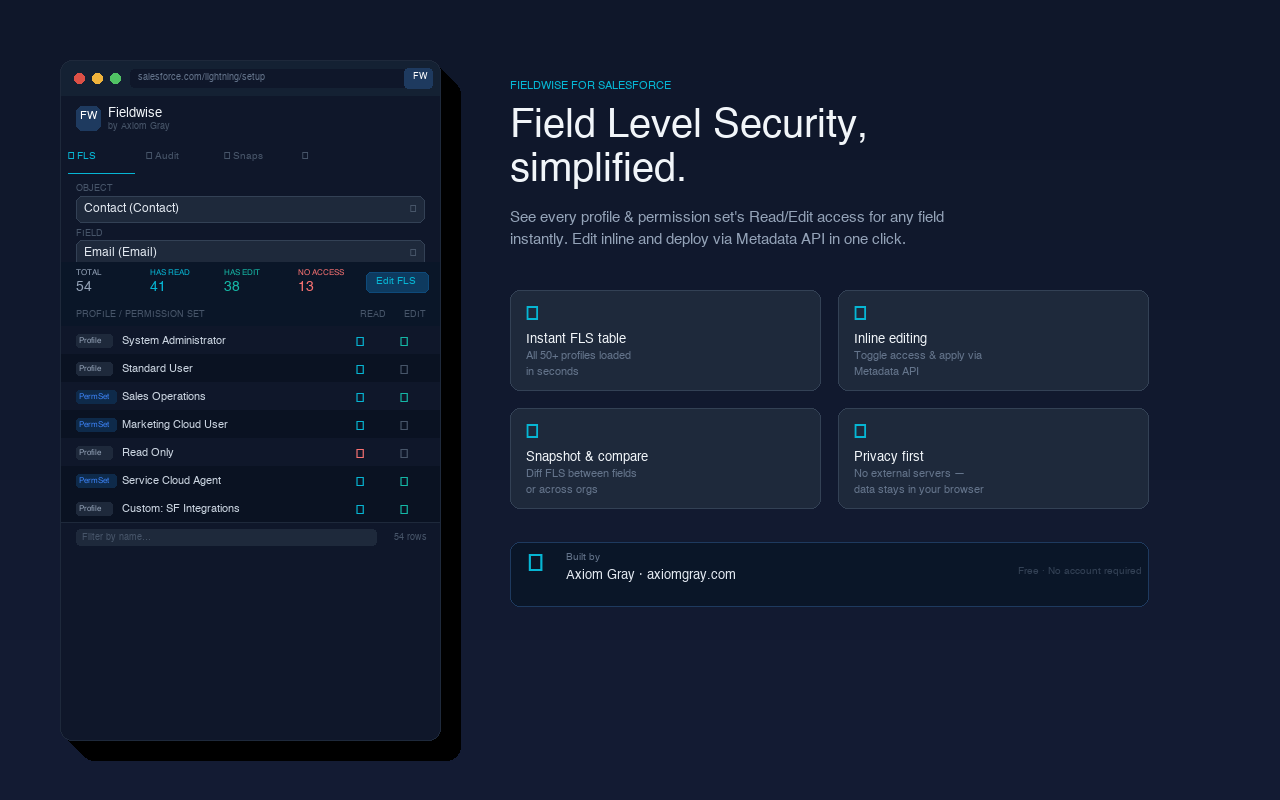
Fieldwise is deliberately focused. It gives you a clear working surface for the access questions that otherwise turn into long, repetitive Setup sessions.
Review Read and Edit for the selected field across Profiles and Permission Sets from one table.
Select a group of fields once, make a precise change, and reuse a reviewed pattern across the selected set.
Capture an object, Profile, or Permission Set as one reusable saved record in Snapshots.
Compare saved records across orgs and start with meaningful differences, not a wall of matches.
Stage FLS edits locally, review the exact entries, then apply them through Salesforce Metadata API.
Keep local history of applied changes, plus CSV, XLSX, JSON, and XML exports where applicable.
There is no new process to learn. Fieldwise follows the way Salesforce admins already think about access.
Use FLS for a field task, or Audit for a record you will revisit or compare.
Save an object audit or a Profile / Permission Set capture in the extension.
Select Source and Target. Differences are surfaced first, with matches still available.
Stage FLS changes, confirm them, and keep the result in local History.
Capture the same object, Profile, or Permission Set in Dev, QA, UAT, or Production. Then compare the saved Source and Target records inside Fieldwise.
Object access is grouped by object; open one object to inspect the access flags that need review. Matching rows stay hidden by default.
Filter Profiles and Permission Sets by type and state, exclude managed access records when appropriate, open Salesforce Setup links, and use larger extension text when a dense org needs more readable controls.
Fieldwise uses the active Salesforce session to make direct requests to the connected org. Saved audits, snapshots, history, and settings remain in Chrome extension local storage. Axiom Gray does not receive your Salesforce metadata or credentials.
Install Fieldwise, open a Salesforce org, and begin with one field.